You can stop chatter marks on high-hardness refractory materials by choosing the right solution and acting fast. Check your grinder for any issues, then use Aimgrind’s super hard abrasives for the best results. This solution gives you better surface finishes and keeps your grinding process smooth. Trust Aimgrind’s experience to help you pick the perfect tools and methods for your job.
Key Takeaways
- Identify chatter marks early by using sound, visual inspections, and vibration checks to find the source of the problem.
- Ensure your grinding machine is stable and well-maintained to minimize vibrations and achieve a smooth surface finish.
- Select Aimgrind’s super hard abrasives for enhanced durability and cutting power, which helps reduce chatter marks.
- Adjust grinding parameters like speed, feed rate, and pressure to control chatter marks and improve surface quality.
- Regularly monitor your equipment and make small adjustments to maintain optimal grinding performance.
Chatter Marks: Source Identification
Understanding where chatter marks come from helps you fix them quickly. You can use several methods to spot the source of these marks during the grinding process. The table below shows common ways to identify chatter marks and the tools you might use:
| Identification Method | Indicators | Tools/Techniques |
|---|---|---|
| Auditory Signs | High-pitched squealing, rattling, or screeching noise during cutting | Operator’s hearing, acoustic emission sensors |
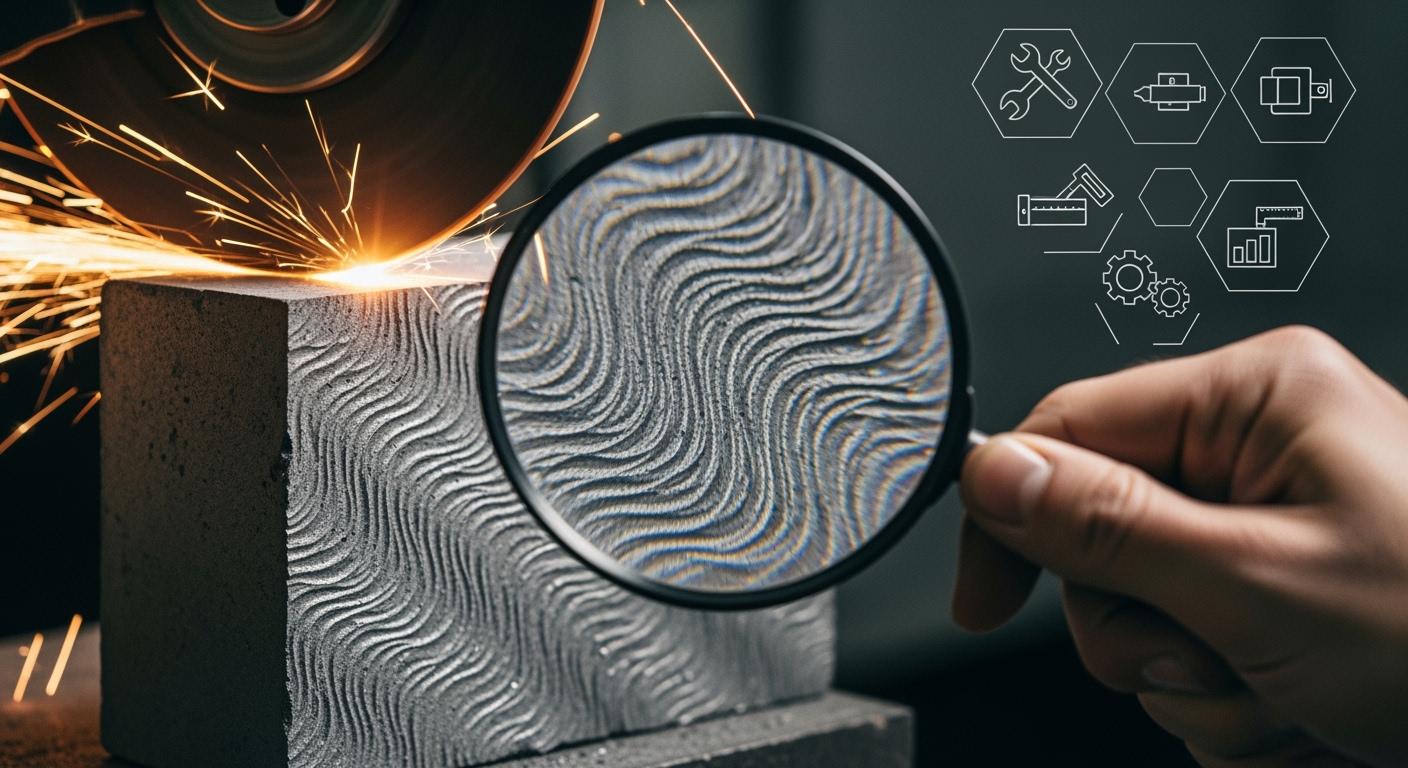
| Visual Inspection | Wavy surface finish, shiny streaks, inconsistent cut lines | Post-process part inspection |
| Tool Wear Patterns | Unusual wear like chipping or burning on tool edges | Microscope, magnifying lenses |
| Heat Generation | Excessive heat or smoke during cutting | Thermal cameras, infrared sensors |
| Vibration Measurement | Measured vibrations above acceptable thresholds | Accelerometers, vibration sensors |
| Cutting Force Feedback | Spikes in cutting forces during machining | Cutting force dynamometers, torque sensors |
Machine Vibration Causes
Machine tool vibration is a leading cause of chatter marks generation. You should check your grinder for loose parts or worn bearings. Regular inspections and maintenance help you catch problems early. Use vibration sensors or accelerometers to measure any abnormal movement. Anti-vibration features in modern grinders also help reduce these issues. When you secure the workpiece with clamps or chucks, you keep it steady and lower the risk of vibration.
Grinding Wheel and Belt Issues
Problems with the grinding wheel or belt can also create chatter marks. Make sure you choose the correct wheel for the material and hardness. Dynamic balancing of the wheel is important. Use balancing stands to keep the wheel running smoothly. If you see uneven wear or damage, replace the wheel or belt. Always check for proper installation before starting the grinder.
Workpiece and Material Factors
The workpiece itself can affect chatter marks. If the material has uneven hardness or shape, it may vibrate during grinding. Secure the workpiece tightly to prevent movement. For high-hardness refractory materials, use the right abrasive tools to match the material’s properties. This step helps you achieve a better surface finish and reduces the chance of chatter mark formation.
Process Parameter Effects
Changes in speed, feed, and pressure during grinding can influence chatter marks. The table below shows how these parameters affect the grinding process:
| Parameter | Effect on Chatter Marks |
|---|---|
| Grinding Pressure | Directly affects surface roughness and chatter marks. |
| Grinding Speed | Influences the wavelength of chatter marks. |
If you use too much pressure or the wrong speed, you may see more chatter marks on the workpiece. Optical methods can help you analyze the dynamic characteristics of the grinding process and spot problems early. Adjusting these parameters helps you control chatter marks and improve the final surface finish.
Minimizing Chatter Marks: Practical Steps with Aimgrind Solutions
Machine Rigidity and Setup
You can prevent vibration and achieve a smooth surface by focusing on machine rigidity. A rigid grinder helps you avoid a chattery surface finish. Start by placing your grinder on a solid, level foundation. Use leveling pads and anchors to keep the machine stable. Check the spindle and bearings often for wear or looseness. Tighten any loose screws or bolts. If your grinder uses belts, make sure the tension is correct. Strong clamping devices hold your workpiece steady and reduce movement. For thin or flexible parts, add extra support to stop them from vibrating. When you use a grinder with high machine rigidity, you lower the risk of chatter marks and improve your results.
Tip: Reduce tool overhang as much as possible. Shorter tools vibrate less and help you get a better finish.
Wheel Balance and Dressing
Proper grinding wheel installation is key to minimizing chatter marks. Always balance your grinding wheel before use. A balanced wheel spins smoothly and reduces vibration. Use dynamic balancing tools to check for even rotation. Dress your wheel regularly to keep it sharp and in shape. Dressing removes high spots and restores the wheel’s cutting edge. For high-precision work, dress the wheel more often. If you notice glazing or a drop in cutting efficiency, dress the wheel right away. Regular dressing and balancing help you maintain accurate dimensions and a smooth surface finish.
- Check and balance the wheel to 0.1 g·mm for best results.
- Dress lightly every few hours during heavy grinding.
- Keep the grinder rigid to avoid instability.
Super Hard Abrasives Selection
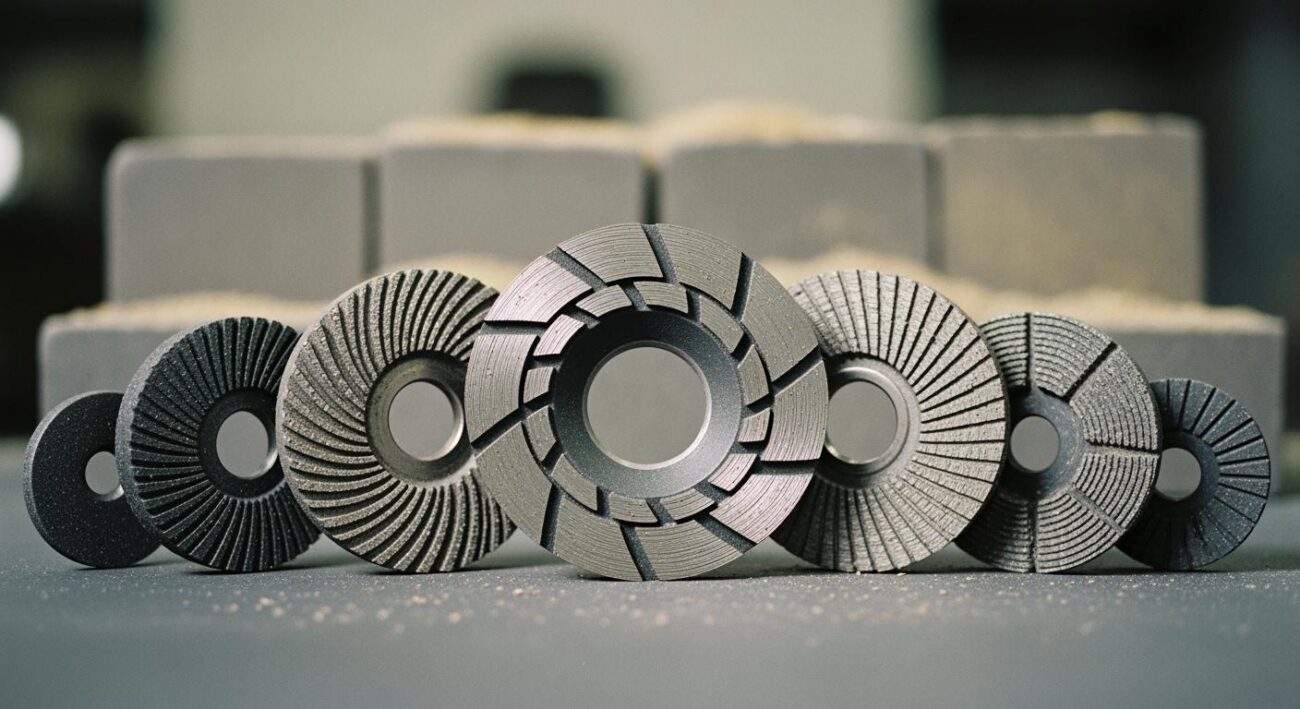
Choosing the right abrasive is important when you work with high-hardness refractory materials. Aimgrind’s super hard abrasives, made with diamond and CBN grains, give you unmatched durability and cutting power. These abrasives keep their sharpness longer than regular wheels. You spend less time changing wheels and more time grinding. Aimgrind offers custom solutions to match your grinder and material. Their super hard abrasives handle tough jobs and help you achieve a better surface finish. You can use them on metals, ceramics, and composites. With Aimgrind’s expertise, you get the right product for your needs and reduce the risk of a chattery surface finish.
Note: Aimgrind’s team can help you select the best abrasive and bond type for your grinder and application. Visit Aimgrind’s super hard abrasives page for more details.
Speed, Feed, and Pressure Adjustment
Speed control plays a big role in minimizing chatter marks. Adjust the wheel speed, feed rate, and depth of cut to match your material and grinder. Use the table below to see how each parameter affects your grinding results:
| Parameter | Effect on Surface Finish | Effect on Chatter Marks |
|---|---|---|
| Wheel Speed | Higher speeds make chips thinner, improving finish. | Too much speed can cause instability and chatter. |
| Feed Rate | Higher feed rates make the surface rougher. | High feed rates increase chatter mark frequency. |
| Depth of Cut | Deep cuts can bend the workpiece, hurting flatness. | More deflection leads to more chatter marks. |
Keep your wheel speed and feed rate moderate. Avoid deep cuts above 0.02 mm. Use enough grinding fluid to cool the workpiece and wheel. Monitor your grinder for any changes in sound or vibration. Small adjustments in speed control can make a big difference in your results.
Belt Grinder Chatter Marks: Prevention
If you use a belt grinder, you need to take extra steps to avoid chatter marks. Make sure your grinder is rigid and stable. Check the belt often for wear or loading. Replace dull or damaged belts right away. Adjust the belt speed to fit your material and operation. Apply steady, even pressure when grinding. Do not press too hard or too lightly. Support your workpiece well to keep it from moving. These steps help you get a smooth finish and prevent vibration.
- Keep the grinder rigid and secure.
- Maintain the belt in good condition.
- Use proper speed control for each job.
- Support the workpiece to stop movement.
By following these practical steps and using Aimgrind’s super hard abrasives, you can succeed in minimizing chatter marks and achieve a high-quality surface finish on high-hardness refractory materials.
Troubleshooting CBN Internal Wheel Grinding Chatter Mark Issues
Pattern Analysis Techniques
You can spot the source of chatter marks in cbn internal wheel grinding by looking at the patterns left on the workpiece. Pattern analysis helps you find the root cause before it affects your surface finish. Several techniques help you with this task:
- BEMD (Bivariate Empirical Mode Decomposition) lets you monitor and detect chatter before it appears on the part.
- s-transformation helps you extract a damping index, which shows if chatter is starting.
- Wavelet transforms use a two-dimensional feature vector to detect chatter in real time.
- Coarse-grained entropy rate drops sharply when chatter begins, making it a good early warning sign.
You can use these methods to analyze the signals from your grinder and act quickly. Aimgrind’s team can help you interpret these patterns and match the right parameters to your process.
Vibration and Resonance Checks
Vibration and resonance checks play a key role in diagnosing cbn internal wheel grinding issues. You should inspect wheels and tracking components for any signs of unbalance. The table below shows how vibration checks help improve your grinding results:
| Study Title | Findings | Methodology |
|---|---|---|
| Investigations on the causes of process vibrations in CNC grinding processes | Vibration signals link directly to surface quality and chatter marks. | Used digital signal processing to analyze acceleration signals. |
| Chatter Vibration Monitoring in the Surface Grinding Process | Early detection of chatter leads to better surface finish and less tool wear. | Used data acquisition and frequency analysis. |
You can use accelerometers and digital tools to check for dynamic unbalance in your grinder. Aimgrind offers diagnostic services to help you identify and fix these problems.
Process Parameter Optimization
You can reduce chatter mark problems by adjusting your process parameters. Start by checking for dynamic unbalance in your cbn internal wheel grinding setup. Follow these steps:
- Inspect the dynamic unbalance of the wheel after manufacturing.
- Control the installation accuracy to avoid extra unbalance.
- Improve the wheel structure to lower the risk of unbalance.
- Always inspect wheels and tracking components for signs of unbalance.
- Use Aimgrind’s parameter matching service to set the best speed and feed for your grinder.
- Monitor your grinder for any new signs of dynamic unbalance.
If you keep your grinder balanced and your process tuned, you can achieve a smooth surface finish even on materials with high hardness. Aimgrind’s experts can guide you through each step, from diagnosis to parameter optimization.
You can tackle chatter marks by following a few key steps:
- Identify the source using sound, vibration, and visual checks.
- Adjust your machine setup and process parameters.
- Choose Aimgrind’s super hard abrasives for better results.
- Keep your equipment balanced and well-maintained.
Tip: Aimgrind’s expert team supports you with custom solutions and ongoing advice. Regular monitoring and small adjustments help you achieve the best grinding results every time.
FAQ
What causes belt grinder chatter marks?
You often see belt grinder chatter marks when the belt is worn, the machine vibrates, or the workpiece moves. These marks can also appear if you use the wrong speed or pressure. You should check your setup to find the main cause.
How can you prevent belt grinder chatter marks?
You can prevent belt grinder chatter marks by keeping your grinder stable, using a fresh belt, and supporting your workpiece well. Adjust the speed and pressure for your material. Regular checks help you spot problems early and keep your surface smooth.
Why is cbn important in grinding high-hardness materials?
You use cbn because it is very hard and lasts a long time. Cbn helps you grind tough materials with less wear. You get a better finish and save time. Many industries trust cbn for its strong performance and reliability.
Can cbn help prevent belt grinder chatter marks?
Yes, cbn can help you prevent belt grinder chatter marks. Cbn wheels stay sharp and cut smoothly. You get less vibration and a cleaner finish. Using cbn with the right setup makes your grinding process more stable and efficient.
How do you choose the right cbn product for your grinding job?
You should look at your material, machine, and finish needs. Cbn comes in different shapes and bonds. Ask experts for advice if you are not sure. The right cbn product helps you work faster and get better results.
Contact Us
For More Grinding Solution or Customized Abrasive Tools